Beat The Queue
Instagram is where many street food vendors win customers. The problem is that taking orders in DMs does not scale. You spend service typing, double checking times, and answering the same questions. A proper pre order flow lets customers book and pay themselves, while you focus on cooking.
What a good Instagram pre order flow looks like
- One ordering link in your bio
- Clear collection time slots
- Automatic updates when orders are ready
- Stock control so you can pause sold out items instantly
- No app required for customers
Step by step: set up Instagram pre orders
1. Create a simple ordering link
Use a mobile optimised ordering page that opens instantly from Instagram. Avoid anything that requires downloads or account creation. Every extra step loses orders.
2. Add collection time slots and capacity
Time slots protect your service. They stop 30 people arriving at the same minute, and they help you plan prep and stock. A good system will automatically allocate more capacity to large orders so you do not get overwhelmed.
3. Share the link everywhere
Put the link in your bio, share it in stories before service, and pin a post that explains how ordering works. At your pitch, display a QR code so walk up customers can order without queuing.
4. Use automatic updates
Ready notifications reduce crowding and repeat questions. Customers stay relaxed because they know exactly when to collect.
5. Keep control when stock changes
Busy services are messy. You need the ability to pause items instantly, and it helps if you can review and accept orders before payment is captured.
How Beat The Queue helps
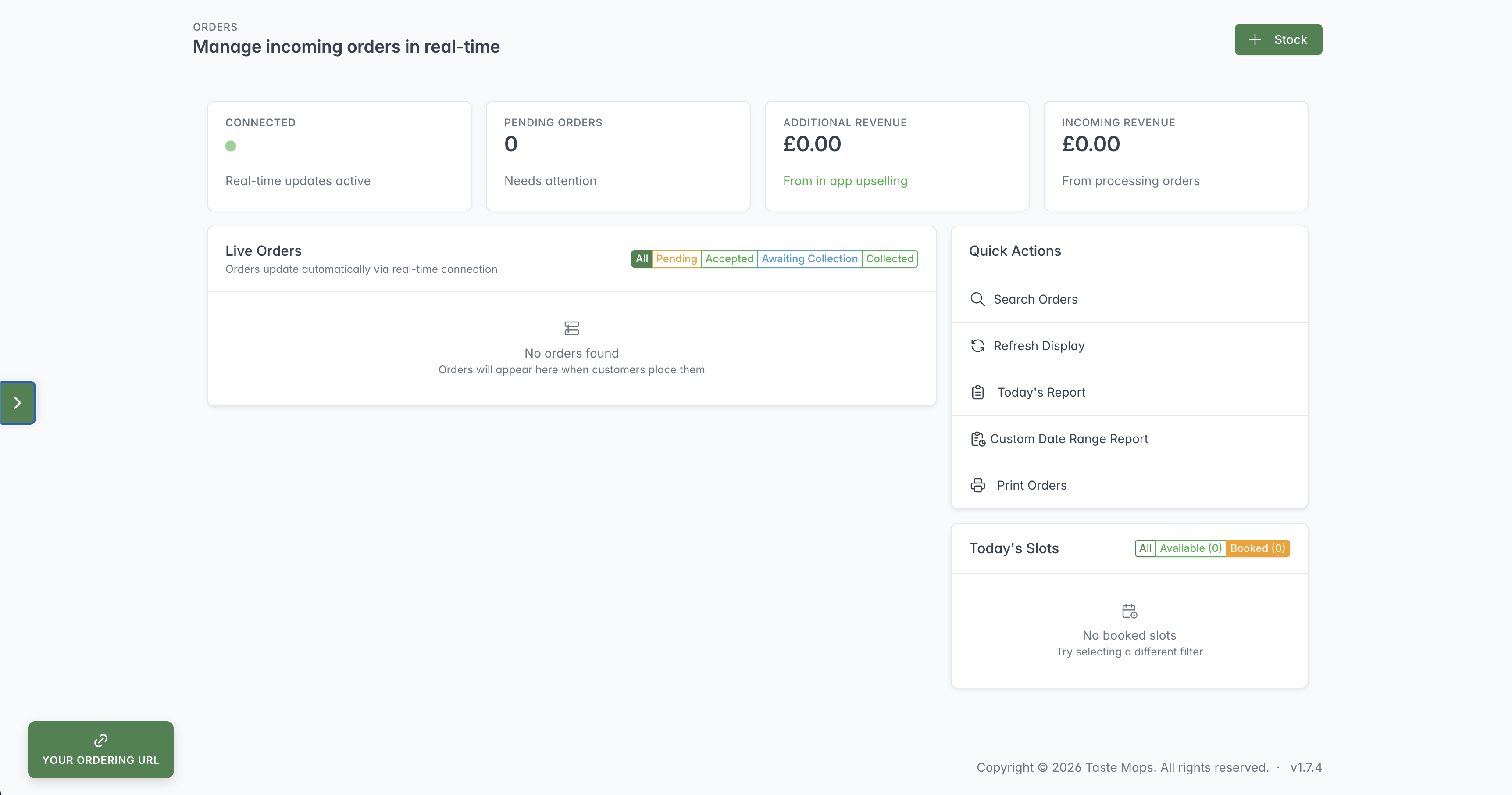
Beat The Queue is designed for vendors who want to stop chasing messages. Customers order and pay through a web page, pick a time slot, and receive automatic updates. You see organised orders on one screen and can accept each order before payment is captured.